
n8n AI Agent Guide is an in-depth exploration of how to use n8n’s powerful AI and automation features to create intelligent workflows that go beyond what most existing tutorials cover. n8n, an open-source workflow automation tool, has transformed the way developers and non-technical users integrate applications, automate repetitive tasks, and now, with AI integration, achieve autonomous decision-making through agents.
This guide dives deep into the inner workings of n8n’s AI agents, explaining how they function, what you can build with them, and where current tutorials often fall short. We’ll cover everything from architecture and integrations to advanced best practices and real-world AI automation models, ensuring you understand each component before building your next project.
Understanding n8n AI Agent Guide Basics
At its core, the n8n AI Agent Guide helps users understand how AI is embedded into n8n workflows. n8n (short for ‘nodemation’) connects hundreds of apps using a node-based visual editor. Each node represents an operation — fetching data, processing text, sending messages — and when linked together, these create automations known as workflows. With the AI Agent capability, users can now inject large language models (LLMs) such as OpenAI GPT, Replicate, or Hugging Face into workflows, adding reasoning and contextual intelligence to automation.
This moves n8n automation from static trigger-action patterns into adaptive, intelligent systems capable of analyzing data, making predictions, or generating natural language outputs dynamically.
How n8n AI Agents Work
The n8n AI Agent Guide explains that an AI agent in n8n works as a node or group of nodes that interact with external AI services. Let’s break it down step-by-step:
- Input is provided via triggers like webhooks, scheduled runs, or manual executions.
- The data flows through pre-processing nodes — these can clean, transform, or enrich the information.
- The AI node (LLM node) receives context from earlier steps and generates text, summaries, or structured outputs based on model configuration.
- Output is then used by subsequent nodes for storage, notifications, or triggering further automation.
Unlike traditional workflows where logic is static, AI agents analyze context dynamically. This allows them to respond uniquely to each data input, improving personalization and accuracy.
Core Concepts of the n8n AI Agent Guide
There are several concepts that every user should understand deeply before implementing complex automations:
- Nodes: These are the building blocks of n8n workflows. Each node handles one function, such as sending an email, making an API call, or generating text through an AI model.
- Workflow: The connected sequence of nodes that defines your automation logic.
- Trigger Nodes: These initiate workflows based on events like incoming webhooks or schedules.
- AI Integration Nodes: Specialized nodes like OpenAI, Anthropic, or Replicate that connect your workflow with external AI models.
- Variables and Parameters: Essential for customizing dynamic behavior, allowing user inputs or data fetched from APIs to guide AI reasoning.
What Existing Tutorials Often Miss About n8n AI Agent Guide
Most tutorials available today focus on basic integrations — connecting an LLM node, running a workflow, and displaying results. However, they miss out on deep details such as:
- Optimizing prompts within the workflow for contextual memory.
- Managing token limits and streaming outputs efficiently.
- Using multi-agent communication within a single workflow.
- Advanced error handling and rollback scenarios when AI nodes fail.
- Security, API key rotation, and latency management for production pipelines.
These topics matter because without managing them properly, automation may break under real workload conditions or produce inconsistent outputs.
Benefits of Following the n8n AI Agent Guide
Implementing AI agents in n8n provides numerous benefits that extend beyond typical automation workflows:
- Enhanced Productivity: Automated reasoning and responses reduce human decision-making time.
- Improved Accuracy: Context-aware responses through well-crafted prompts minimize manual errors.
- Integration Versatility: n8n supports hundreds of APIs, making AI workflows universally compatible.
- Community Support: The open-source nature fosters collaboration and plugin creation.
These strengths make AI-augmented workflows capable of handling evolving business contexts automatically.
Drawbacks and Limitations
Although powerful, using n8n AI agents comes with specific challenges:
- Resource Dependency: Heavy reliance on APIs like OpenAI introduces external dependencies and cost overheads.
- Complex Debugging: AI behavior isn’t deterministic; troubleshooting reasoning errors can be tricky.
- Latency: LLM responses are usually slower than standard workflow actions.
- Security: Sensitive inputs processed by external AI APIs may raise compliance concerns.
These factors emphasize the need for careful design and monitoring when scaling operations.
Real-World Use Cases of n8n AI Agent Guide
The real-world usage of n8n AI agents spans across industries and teams. Common examples include:
- Customer Support: Building automated chatbots that summarize tickets or pre-fill responses using previous data.
- Data Analysis: Analyzing CSV or JSON datasets and returning insights or summaries autonomously.
- Marketing: Drafting dynamic campaign content such as product descriptions, posts, or email templates.
- Software QA: Automatically generating test cases from documentation.
- CRM Enrichment: Identifying missing customer attributes by analyzing communication history.
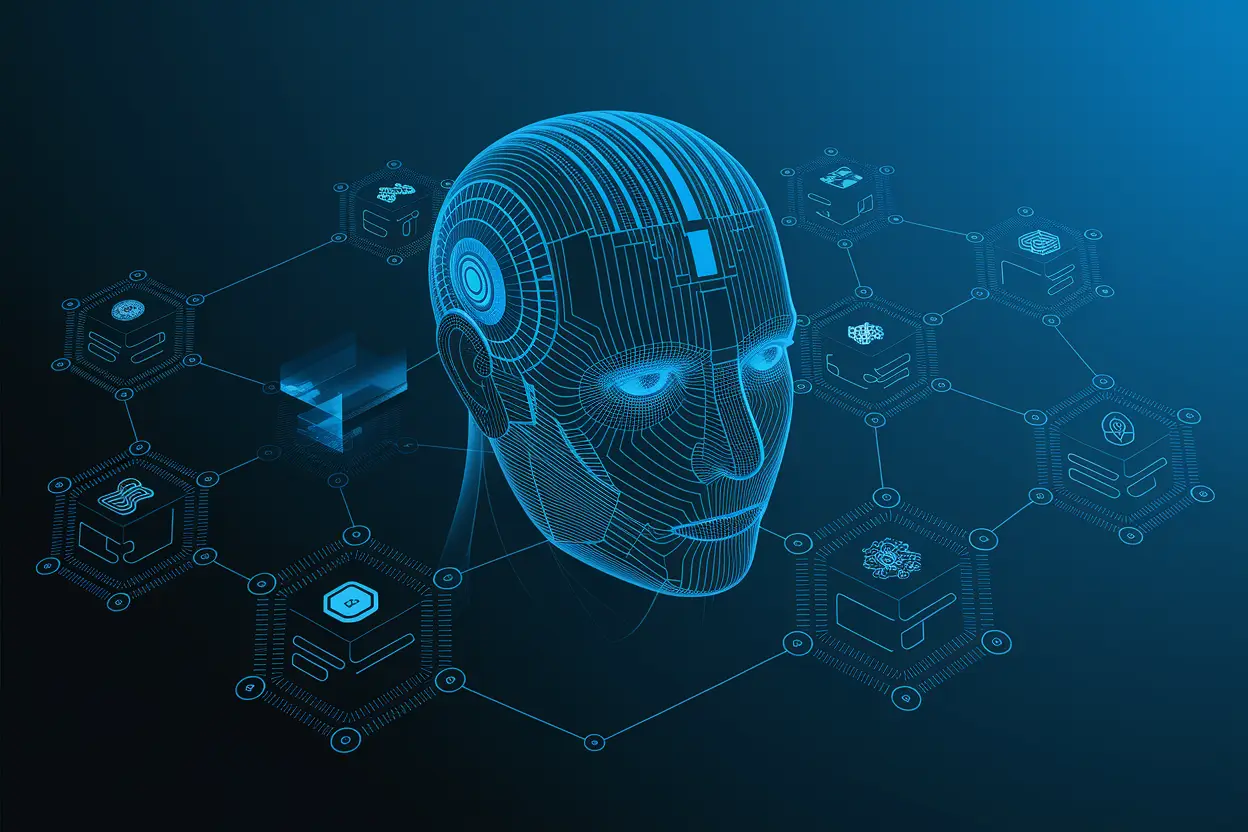
Imagine a marketing campaign where each product description is created through a workflow in which n8n extracts product metadata, sends it to an OpenAI model, formats the text in marketing language, and then uploads it to a CMS. This entire process operates automatically once triggered.
Step-by-Step Example Workflow
Let’s go through an example of how to set up a simple n8n AI agent workflow.
- Trigger Setup: Start with a Webhook node that listens for incoming product updates.
- Data Cleanup: Add Function nodes to format data (remove unused fields and correct names).
- AI Node: Connect OpenAI or any LLM node, adding a prompt template like “Generate a 100-word product description using the following details.”
- Output Handling: Send the output text to a CMS integration node, or back to a database table.
This workflow can be scaled with additional validation and error handling nodes. The real magic lies in how the prompts and parameters evolve with context.
Code Snippet for n8n AI Agent Guide Setup
Below is a simplified workflow example using JSON format compatible with n8n’s import function:
{“nodes”:[{“name”:”Webhook Trigger”,”type”:”n8n-nodes-base.webhook”,”parameters”:{“path”:”ai-product”,”method”:”POST”}},{“name”:”Format Data”,”type”:”n8n-nodes-base.function”,”parameters”:{“functionCode”:”return [{ json: { productName: $json.productName }}];”}},{“name”:”OpenAI Node”,”type”:”n8n-nodes-base.openai”,”parameters”:{“text”:”Generate a short catchy headline for {{$json.productName}}.”}},{“name”:”Result”,”type”:”n8n-nodes-base.set”,”parameters”:{“keepOnlySet”:true,”values”:{“headline”:”={{$json[\”response\”]}}”}}}]}
Comparison with Alternatives
When comparing n8n AI Agent Guide usage with other automation tools, a few major players appear — Zapier, Make (Integromat), and LangChain-based systems.
| Feature | n8n | Zapier | Make | LangChain Pipelines |
|---|---|---|---|---|
| Open Source | Yes | No | No | Yes |
| LLM Integration | Native Nodes | Limited | Moderate | Advanced |
| Customization | High | Low | Medium | High |
| Ease of Use | Moderate | High | High | Low |
Thus, n8n strikes a balance between flexibility and usability while still being developer-friendly.
Technical Suggestions for Advanced Users
Implementing production-level AI agents on n8n requires technical refinement. Here are some tips:
- Use caching (Redis or n8n data stores) to store temporary AI outputs and reduce redundant requests.
- Apply custom logic in the ‘Function’ node to chunk or compress text inputs for tokens.
- Create reusable prompt templates and environment variables for different environments.
- Implement monitoring workflows that log each AI output for review and improvement.
- Combine AI nodes with decision-making structures, e.g., if/else paths controlled by sentiment or scoring results.
Latest Trends in n8n AI Agent Guide Implementation
Several modern trends are shaping n8n AI agent usage:
- Local LLM Hosting: Users are hosting open-source models locally and connecting them to n8n for data privacy.
- Multi-Agent Workflows: Different AI nodes communicate logically, mimicking human collaboration chains.
- Streamed Output Handling: Workflows now support token-by-token streaming for immediate results.
- AI Memory Context: Using JSON stores to maintain ‘memory’ across runs, enhancing response continuity.
These represent the next phase of automation maturity.
Common Mistakes and Solutions
- Overloading Context: Avoid sending entire datasets to AI nodes. Instead, use preprocessing nodes.
- Ignoring Rate Limits: Track API usage with metrics to prevent workflow halts.
- Weak Prompt Design: Be explicit and structured to reduce output randomness.
- No Version Control: Maintain versioned JSON backups for workflows to avoid accidental overwrites.
Following best practices ensures consistent and safe agent operations.
Security Considerations for n8n AI Agent Guide Users
Security within AI workflows is vital. You should always:
- Use environment variables rather than hardcoding API keys.
- Enable HTTPS and secure access credentials for your n8n instance.
- Scrub PII (Personally Identifiable Information) before transmitting to third-party LLMs.
- Log and audit outputs to detect potential data leakage or prompt injection risks.
Future Outlook of n8n AI Agent Guide
The AI automation landscape is moving fast. The n8n AI Agent Guide’s future likely includes more native integrations with open-source AI frameworks, autonomous reasoning nodes that support memory persistence, and collaboration across distributed AI networks. With the growing open-source ecosystem, we may see a tighter merge between local inference models and cloud APIs, giving developers complete control over performance and compliance.
Furthermore, enhanced visualization dashboards will help users track AI decision pathways visually, making debugging and iteration far easier.
FAQs Related to n8n AI Agent Guide
How does the n8n AI Agent work with chat-based models?
n8n AI Agent can send conversation context to ChatGPT or similar models through text input fields. The workflow sends JSON-formatted prompts, and the AI node returns structured message history you can reuse in subsequent runs.
Can I run n8n AI agents offline?
Yes, if you use locally hosted open-source models like Llama or Mistral. You can deploy these on your server and connect through a REST API node.
Is it safe to handle private data in AI workflows?
It’s safe if proper encryption and sanitation steps are taken before transmitting. Always follow secure design principles.
Can n8n replace LangChain for AI pipelines?
In many simple to medium complexity setups, yes. n8n can visually emulate LangChain’s flow while being easier for integration-centric tasks. However, LangChain remains better for heavy agent logic.
What common mistakes do beginners make?
Beginners often skip prompt structuring, don’t handle errors with conditional branches, and forget to log activity for debugging.
Conclusion of n8n AI Agent Guide
The n8n AI Agent Guide gives users a new lens on workflow evolution — transforming static automations into intelligent, adaptive assistants. By leveraging the open-source power of n8n, combined with the reasoning of AI models, organizations can scale faster, customize deeper, and automate more securely. As the ecosystem thrives, understanding these advanced layers ensures your automation workflows stay future-proof and efficient.