


A Modern Development Workflow with Roots & Composer is a forward-thinking approach to web development that unites powerful tools from the PHP and WordPress ecosystems. This workflow enables developers to create modular, scalable, and maintainable websites with ease. Combining Roots—a modern WordPress stack—with Composer—a dependency management system for PHP—offers a complete environment to manage themes, plugins, and packages systematically. In this article, we will explore how this workflow operates, its core concepts, its benefits, and even how to set it up from scratch, so you can revolutionize your development process.
Understanding A Modern Development Workflow with Roots & Composer
A Modern Development Workflow with Roots & Composer emphasizes structured development that moves away from traditional, manual WordPress installations. Instead of uploading themes and plugins via the dashboard, dependencies are defined in a file called composer.json and managed via the command line. Roots provides the framework, including Bedrock for WordPress structure and Sage for themes, while Composer handles version control of dependencies.
Core Concepts of A Modern Development Workflow with Roots & Composer
The core idea behind this workflow is modularization. WordPress, which is typically monolithic in structure, becomes modular with Roots’ Bedrock. Composer allows developers to treat WordPress itself as a dependency rather than a manually managed system. This brings the benefits of modern PHP development to WordPress developers.
- Bedrock: Organizes WordPress projects using modern PHP standards with environment-based configurations.
- Sage: A modern WordPress starter theme supporting Blade templating and Laravel Mix.
- Composer: Dependency management tool that handles libraries, themes, and plugins.
- WP-CLI Integration: Enhances automation for recurring tasks like plugin updates and installations.
How A Modern Development Workflow with Roots & Composer Works
The workflow starts with initializing a Bedrock project using Composer. Bedrock defines a clear directory structure separating application code, configuration, and public files. Instead of downloading plugins manually, you define them as dependencies in composer.json. When you run composer install, all required packages—including WordPress core—are automatically fetched and organized.
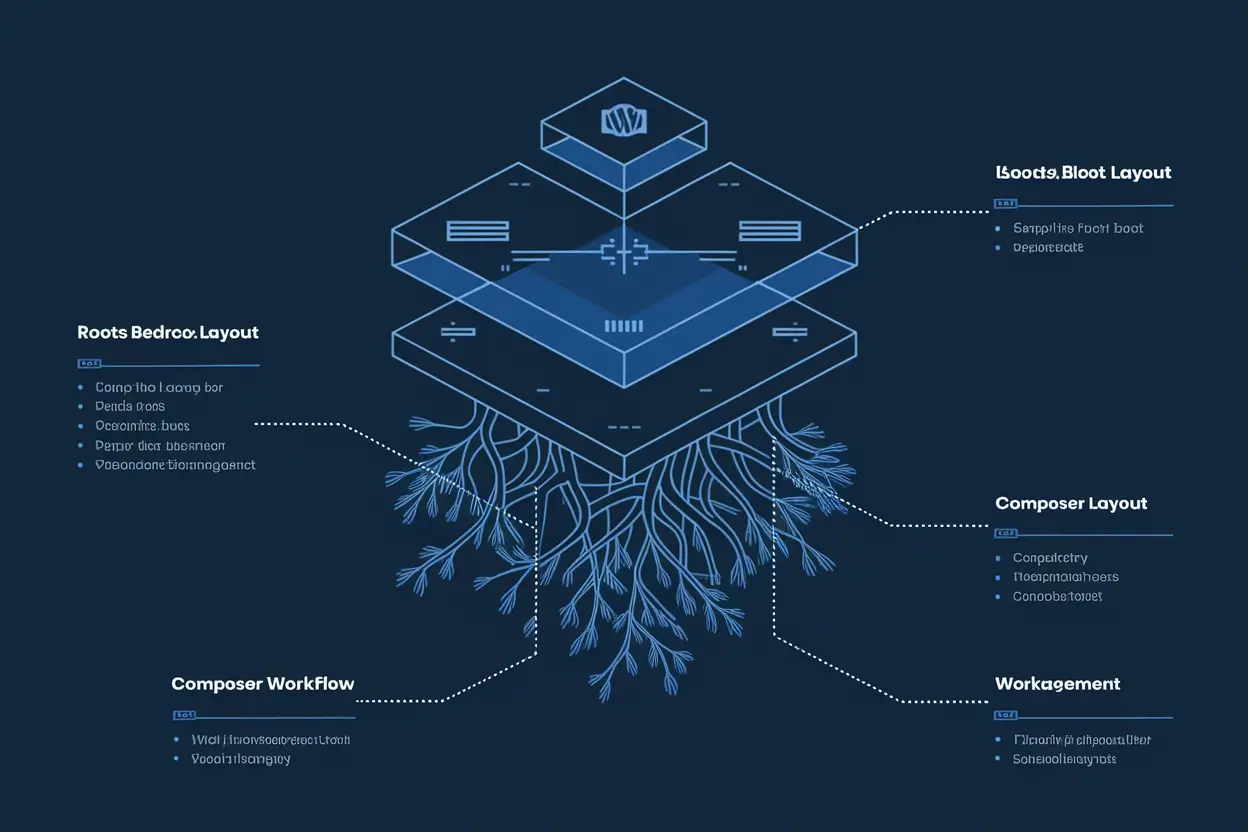
Sage complements this by offering a Laravel-like workflow for theme development. It uses Blade templates for cleaner syntax, npm for asset bundling, and integrates with modern JavaScript frameworks. You can also use Composer in Sage to manage PHP libraries, ensuring that your frontend and backend dependencies are version-controlled and reusable across projects.
Setting Up A Modern Development Workflow with Roots & Composer
Step 1: Install Composer
Composer can be installed globally on your local machine using your terminal. It allows you to manage PHP dependencies similar to how npm manages JavaScript packages.
Step 2: Create a Bedrock Project
Run the command composer create-project roots/bedrock your-project-name to scaffold the structure. This creates a folder with configuration files, including .env.example for environment variables.
Step 3: Configure Environment Variables
Set up database credentials and WordPress salts in the .env file. This ensures sensitive information is not version controlled.
Step 4: Install WordPress and Plugins
Use composer require wpackagist-plugin/contact-form-7 to install popular plugins. You can add themes and custom packages similarly.
Step 5: Develop with Sage
Install Sage as a theme in the Bedrock project. Sage’s build system uses webpack or Laravel Mix to compile CSS and JavaScript efficiently. You can update Sage dependencies via Composer, maintaining a consistent workflow.
Benefits of A Modern Development Workflow with Roots & Composer
- Version Control: Every dependency is documented and manageable through code.
- Automated Setup: Running composer install reproduces the exact environment.
- Security: Configuration files are protected, and dependencies are verified from official sources.
- Reusability: Code and libraries can be shared effortlessly across projects.
- Environment Parity: Development, staging, and production environments remain consistent.
Drawbacks of A Modern Development Workflow with Roots & Composer
While this approach offers advanced control, it can be challenging for developers new to command-line tools. Additionally, hosting providers that do not support Composer require extra setup steps. The learning curve for understanding Bedrock structure and Blade templating may also slow initial adoption, though the long-term gain outweighs this temporary difficulty.
Use Cases for A Modern Development Workflow with Roots & Composer
This workflow is ideal for professional developers managing multiple websites, agencies who need scalable client deployments, or any team adopting DevOps practices. It aligns perfectly with CI/CD pipelines and containerization (Docker) because everything, including WordPress Core, is dependency-managed.
Real-World Examples of A Modern Development Workflow with Roots & Composer
Many digital agencies implement this workflow for enterprise-level WordPress solutions. For instance, agencies running multi-site networks use Bedrock to manage each site as a distinct module under version control. Composer simplifies plugin audits and checklist automation before deploying updates.
In larger organizations, teams integrate Roots & Composer within automated deployment pipelines using GitHub Actions or Bitbucket Pipelines. This ensures continuous integration (CI) of all dependencies and streamlined release management.
Comparison of A Modern Development Workflow with Roots & Composer vs Traditional WordPress
| Aspect | Traditional WordPress | Roots & Composer Workflow |
|---|---|---|
| Dependency Management | Manual via dashboard | Automated with composer.json |
| Structure | Monolithic | Modular (Bedrock) |
| Version Control | Limited | Full Git integration |
| Environment Variables | Hardcoded in wp-config.php | Managed via .env |
| Theme Development | PHP templates | Blade templating with Sage |
| Updates | Manual | Composer-driven |
Technical Suggestions for A Modern Development Workflow with Roots & Composer
- Always commit composer.lock to ensure consistent dependencies across environments.
- Use environment-specific .env files for database and API credentials.
- Integrate CI/CD for automated testing and deployments.
- Version control your Bedrock and Sage directories together for maximum traceability.
- Use WP-CLI for database migrations and repetitive administrative tasks.
Latest Trends Around A Modern Development Workflow with Roots & Composer
The ecosystem is evolving fast. With the rise of Headless WordPress, developers now integrate Bedrock with front-end frameworks like Next.js. Composer continues to expand with WordPress-specific packages via WPackagist, making plugin management more seamless.
Containerized environments using Docker or Laravel Valet further simplify setup consistency. GitHub Actions integrate automated composer commands to keep dependencies checked on every push. Continuous deployment workflows are becoming the new standard with Tools like Trellis (another Roots tool) for provisioning servers automatically.
Common Mistakes and How to Avoid Them in A Modern Development Workflow with Roots & Composer
- Not Using .env Files Properly: Hardcoding credentials can cause security issues. Always keep configuration in .env.
- Ignoring composer.lock: This causes version mismatch across environments; ensure it’s always committed.
- Updating All Dependencies Without Testing: Always perform composer update in a staging environment before production deployment.
- Mixing Manual and Composer Installations: This can break version synchronization and dependency resolution.
Future Outlook for A Modern Development Workflow with Roots & Composer
The future of this workflow is very promising. With the WordPress community adopting modern PHP standards and namespaces, tools like Roots and Composer will become the default approach for professional development teams. The integration of Docker, GitHub Actions, and WP-CLI automation will standardize WordPress deployment worldwide. Moreover, Bedrock and Sage continue to evolve, incorporating JavaScript frameworks and decoupled architecture support for a headless web future.
Actionable Takeaways for A Modern Development Workflow with Roots & Composer
- Adopt Composer early in your workflow to ensure repeatable builds.
- Master Roots Bedrock structure to improve scalability.
- Use Sage for faster front-end development with Blade and modern asset pipelines.
- Automate your deployments with Git-based CI/CD tools.
- Regularly audit dependencies via composer outdated.
Frequently Asked Questions about A Modern Development Workflow with Roots & Composer
What is Roots in WordPress development?
Roots is a modern WordPress development toolkit comprising Bedrock for project structure, Sage for themes, and Trellis for deployment automation, enabling modern coding practices.
Why use Composer with WordPress?
Composer manages PHP dependencies efficiently. Using it with WordPress ensures reproducible environments, organized updates, and secure dependency management.
Can I use A Modern Development Workflow with Roots & Composer on any host?
It depends on server-level Composer support. Many modern managed hosting providers now support Composer or allow pre-installation via SSH.
Is this workflow compatible with classic WordPress themes?
Yes, although Sage themes work best, you can manage traditional themes via Composer as long as dependencies are defined correctly.
How does this workflow improve team collaboration?
Everything is code-based and version-controlled. Any developer can clone the repository, run composer install, and recreate the exact setup instantly.
Conclusion: The Power of A Modern Development Workflow with Roots & Composer
In conclusion, A Modern Development Workflow with Roots & Composer transforms how developers approach WordPress. It’s faster, cleaner, and more reliable than legacy methods, emphasizing scalability and collaborative precision. Whether you’re managing one website or a full-scale enterprise system, this workflow ensures sustainable, maintainable growth in modern web development.