

Top 10 Free AI Tools That Can Replace Your Job Tasks is one of the most transformative topics in the modern workforce. Today’s AI-driven world has moved beyond simple automation into fully intelligent systems capable of handling creative, analytical, and operational tasks that once required human expertise. This article explores the top free AI tools reshaping productivity, creativity, and professional efficiency. We will examine what each tool does, how it works, its strengths and limitations, real-world applications, and future potential, helping professionals understand how to leverage these tools responsibly and effectively for career growth.
1. Top 10 Free AI Tools That Can Replace Your Job Tasks: ChatGPT
ChatGPT is an advanced conversational AI developed by OpenAI that uses deep learning models to generate human-like text. It helps automate writing, brainstorming, content generation, coding help, and customer support interactions.
How ChatGPT Works
ChatGPT relies on a transformer-based neural network trained on vast text data. Its architecture enables contextual understanding, which allows it to maintain a coherent conversation. You input a prompt, and the model predicts the next word or sentence to generate meaningful responses.
Pros and Cons
- Pros: Strong language output, versatile, supports multiple domains.
- Cons: Requires context accuracy, may produce generic or outdated responses.
Use Cases
Professionals use ChatGPT for writing marketing materials, code assistance, summarizing reports, or acting as a virtual assistant. It reduces repetitive writing and provides creative input for blogs or communication drafts.
2. Top 10 Free AI Tools That Can Replace Your Job Tasks: Grammarly
Grammarly is a linguistic AI assistant that helps users enhance writing accuracy and clarity through grammar correction and tone suggestions.
How Grammarly Works
Grammarly uses Natural Language Processing (NLP) and machine learning models trained to detect grammatical patterns, sentence structure, and context. It scores writing based on correctness, clarity, engagement, and delivery.
Pros and Cons
- Pros: Real-time editing, tone detection, cross-platform compatibility.
- Cons: Requires premium for advanced suggestions, dependent on connectivity.
Use Cases
Writers, marketers, and business professionals use Grammarly to improve email communication, publish error-free copy, and maintain brand voice consistency.
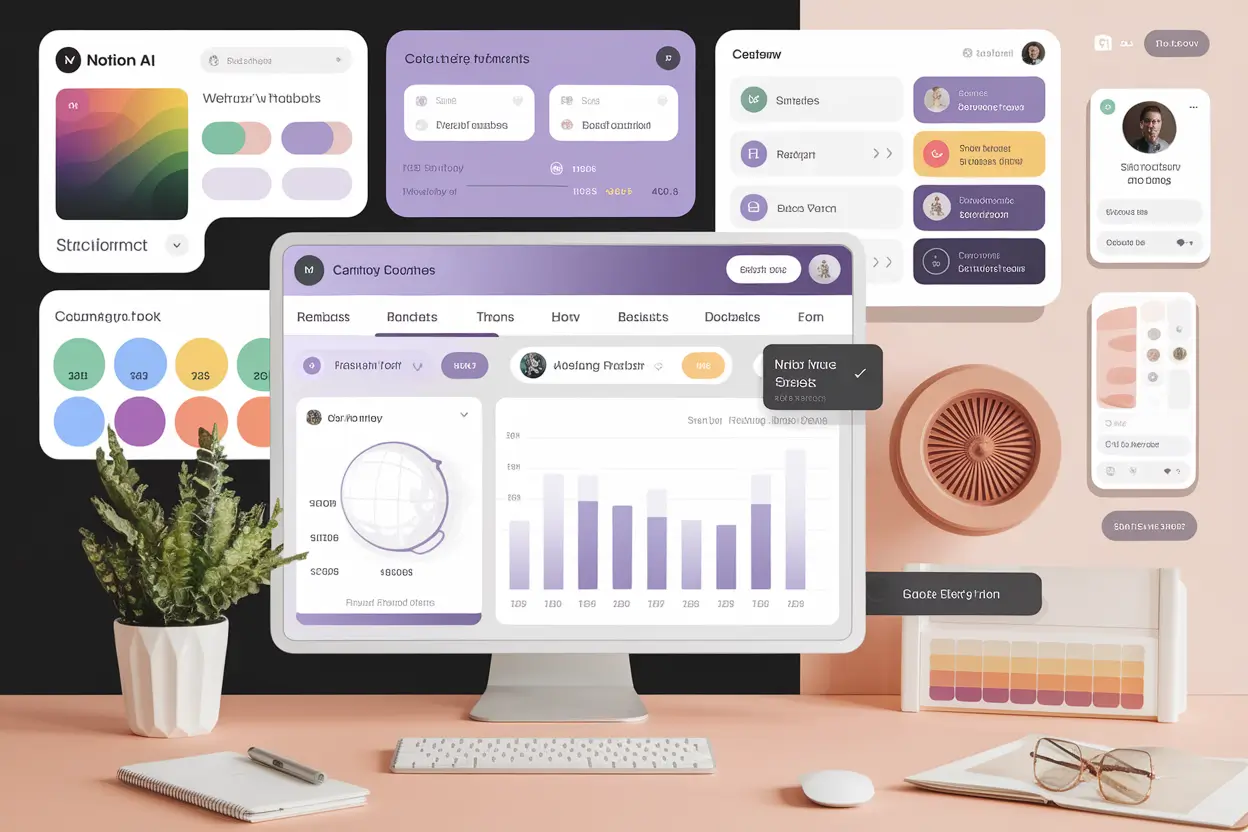
3. Top 10 Free AI Tools That Can Replace Your Job Tasks: Notion AI
Notion AI extends project management and note-taking into intelligent productivity. It combines task management, idea generation, and organization with AI text-enhancement capabilities.
How It Works
Embedded within Notion’s workspace, the AI uses context detection to write meeting notes, summarize documents, create to-do lists, and suggest content ideas.
Pros and Cons
- Pros: Integrated with productivity workflows, customizable templates, collaborative.
- Cons: Limited depth in technical writing, requires structure familiarity.
Use Cases
Notion AI assists teams in managing projects, drafting internal documentation, and automating daily notes. Startups and solopreneurs use it to centralize workflows while saving time on repetitive documentation.
4. Top 10 Free AI Tools That Can Replace Your Job Tasks: Canva Magic Studio
Canva Magic Studio integrates AI design capabilities for non-designers. It automates visual creation using AI prompts and templates for marketing, presentations, and branding.
How It Works
Canva’s Magic Write and Text-to-Image tools analyze text prompts to generate visually aligned images, infographics, or slides automatically. It also offers brand kit suggestions for consistent styling.
Pros and Cons
- Pros: Easy interface, fast design automation, vast template library.
- Cons: Limited unique design control, quality depends on input prompt.
Use Cases
Small business owners use Canva Magic Studio for creating ads, social media graphics, and logo concepts without hiring a full designer. It enables instant content repurposing for campaigns.
5. Top 10 Free AI Tools That Can Replace Your Job Tasks: Google Bard
Google Bard (now Gemini) is a conversational AI known for providing research-based answers, idea generation, and factual summaries.
How It Works
It uses Google’s PaLM 2 or Gemini model, leveraging internet-based data and advanced reasoning. Bard cross-verifies information in real time using Google Search.
Pros and Cons
- Pros: Up-to-date search integration, detailed responses, Google Docs export.
- Cons: Limited creative storytelling, occasional factual inconsistency.
Real-World Example
Researchers, educators, and marketers use Bard to verify facts, gather ideas, and summarize trends quickly. Students use it for academic queries and data reference.
6. Top 10 Free AI Tools That Can Replace Your Job Tasks: Jasper AI
Jasper AI specializes in marketing copywriting. It streamlines creating ad texts, blog sections, and product descriptions using customizable tones and templates.
How It Works
Based on GPT architecture but fine-tuned for marketing context, Jasper AI takes prompts related to brand voice, type of content, and target audience to generate optimized content.
Pros and Cons
- Pros: Brand tone consistency, quick content generation, team collaboration.
- Cons: Requires brand input setup, limited innovation in free plan.
Use Cases
Jasper helps digital marketers produce ad copy, landing page text, and newsletters, reducing creative fatigue and improving campaign response times.
7. Top 10 Free AI Tools That Can Replace Your Job Tasks: Synthesia
Synthesia converts text into video presentations using AI avatars. It eliminates the need for human presenters or video studios, perfect for training and business communications.
How It Works
You input text and select an avatar; Synthesia’s neural rendering engine synchronizes voice, lip movements, and gestures in real-time to produce lifelike videos.
Pros and Cons
- Pros: Fast video production, 120+ languages, professional avatars.
- Cons: Lacks emotional depth, limited video duration in free plan.
Use Cases
Corporate trainers and YouTubers use Synthesia for tutorials, product explainers, and onboarding videos without recording themselves.
8. Top 10 Free AI Tools That Can Replace Your Job Tasks: Otter.ai
Otter.ai automates meeting transcription, note-taking, and real-time captions for video conferences.
How It Works
It uses Automatic Speech Recognition (ASR) and NLP to convert speech to text, identifying speakers and timestamps. Integrates with Zoom, Teams, and Google Meet.
Pros and Cons
- Pros: Real-time collaboration, search across recordings, export options.
- Cons: May misinterpret accents, audio quality dependent.
Use Cases
Journalists, researchers, and corporate teams automate transcription workflows, converting dialogues into summarized meeting minutes.
9. Top 10 Free AI Tools That Can Replace Your Job Tasks: DALL·E
DALL·E generates custom visual art using AI prompts. Users describe a concept, and the model creates original digital artwork accordingly.
How It Works
DALL·E is based on transformer and diffusion models that map semantic text meaning to visual components, generating unique images aligned with text cues.
Pros and Cons
- Pros: Infinite creative output, artistic control, coherent results.
- Cons: Requires strong prompt literacy, possible copyright ambiguity.
Use Cases
Designers and creatives use DALL·E for conceptual visuals, social media art, and campaign ideation without traditional software tools.
10. Top 10 Free AI Tools That Can Replace Your Job Tasks: Zapier AI
Zapier AI automates workflows among multiple apps, reducing the need for manual data entry and repetitive digital tasks.
How It Works
Zapier connects APIs of various apps. The AI assistant identifies repetitive actions you perform and suggests or builds automation sequences (Zaps) to handle them.
Pros and Cons
- Pros: Seamless app integration, increased speed, coding-free setup.
- Cons: Limited triggers in free plan, dependency on third-party stability.
Use Cases
Sales and marketing teams integrate CRMs with email automation, reducing manual logging. HR professionals use it to sync candidate data automatically.
Technical Suggestions for Top 10 Free AI Tools That Can Replace Your Job Tasks
To maximize efficiency, apply APIs and browser extensions. Use prompt engineering for precise outputs—specify tone, style, and scope of tasks. Combine tools, for example, Zapier + ChatGPT for automated report generation, or Otter.ai + Notion AI to integrate meeting insights.
Comparisons with Alternatives
| Tool | Main Function | Key Competitor | Edge |
|---|---|---|---|
| ChatGPT | Conversational AI | Bard | Better generalization |
| Canva Magic Studio | Design generation | Adobe Express | Ease of use |
| Otter.ai | Meeting transcription | Rev.ai | Real-time collaboration |
| Synthesia | Video generation | Pictory | Human-like avatars |
Latest Trends in AI Tools
New trends include multimodal AI where tools combine text, image, and video generation for cohesive outputs. Another significant trend is AI integration into productivity suites like Microsoft 365 Copilot, signaling mainstream use of intelligent automation. The rise of open-source AI challengers has made free tools more competitive.
Future Outlook of Top 10 Free AI Tools That Can Replace Your Job Tasks
The future of workplace AI points toward hybrid collaboration between humans and intelligent systems. As AI gains reasoning capacity, professionals will transition from execution roles to supervision and strategy. Ethical considerations around privacy, bias, and creativity ownership remain critical discussions for sustainable AI evolution.
Common Mistakes When Using Free AI Tools
- Relying solely on AI outputs without human verification.
- Ignoring data privacy or mismanaging sensitive inputs.
- Failing to optimize prompts for desired precision.
Always cross-check factual data, especially in public or published contexts.
Actionable Tips for Professionals
- Use free versions for testing before commercial adoption.
- Combine multiple tools in workflows for maximum synergy.
- Track AI outputs’ performance metrics to assess efficiency.
- Stay updated with latest tool releases and version notes.
FAQs on Top 10 Free AI Tools That Can Replace Your Job Tasks
Which free AI tool is best for writing?
ChatGPT and Grammarly are top options. ChatGPT for idea expansion, Grammarly for refinement and tone accuracy.
Can free AI tools perform professional-grade tasks?
Yes, especially when combined. Many free tiers offer sufficient power for writing, design, or data automation when properly optimized.
What are risks of AI tool dependence?
Over-reliance can lead to reduced creativity or understanding of subjects. Always maintain a balanced human-AI workflow.
How to ensure confidentiality while using free AI tools?
Avoid sharing sensitive or proprietary data. Use anonymized input and review privacy policies.
What future improvements can we expect?
Expect better contextual awareness, multimodal AI integration, and increased personalization in work-specific tools.
Conclusion: Top 10 Free AI Tools That Can Replace Your Job Tasks
The Top 10 free AI tools that can replace your job tasks illustrate how democratized intelligence can empower individuals and organizations. While AI automates mechanical or creative repetition, human intuition remains central. Adopting these tools strategically enhances productivity, creativity, and accuracy. The future of work isn’t replacement; it’s partnership—AI amplifying human potential toward smarter, more purposeful workflows.